

The Day an Employee Leaves: The IT Offboarding Checklist Most Businesses Skip
December 15th, 2026
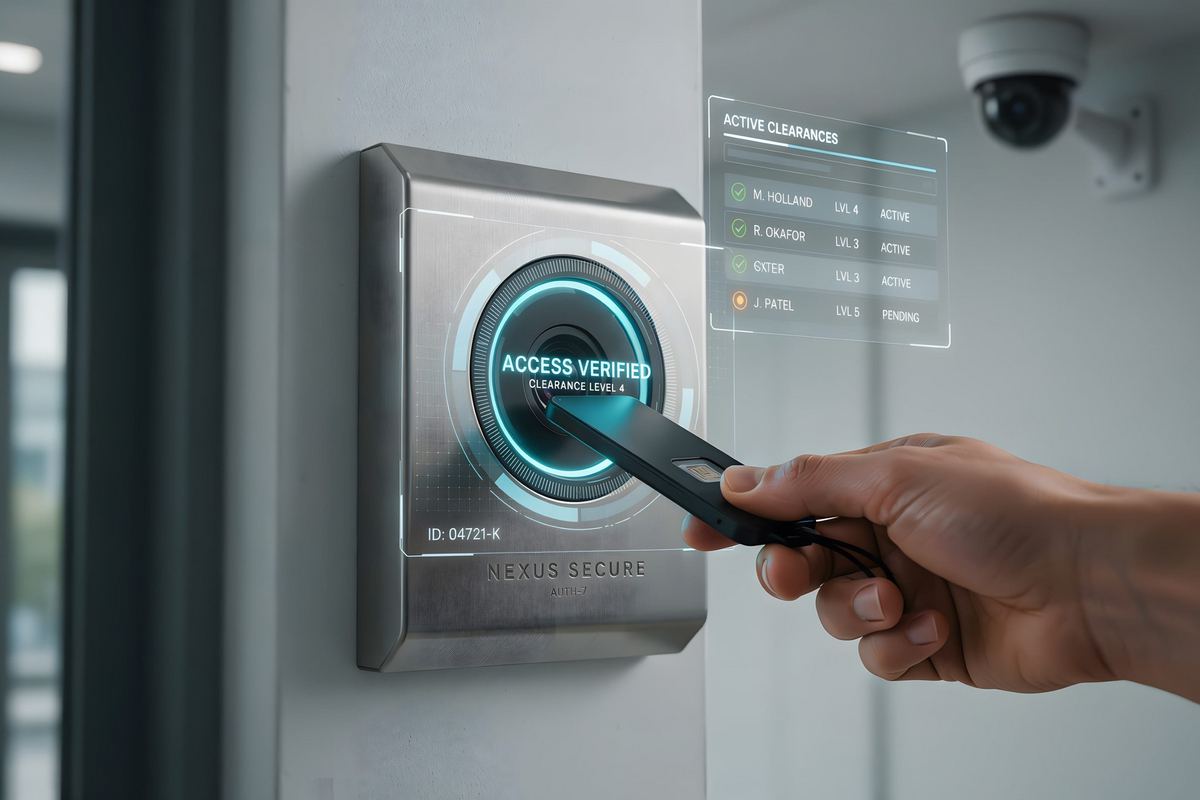
Most businesses have an onboarding checklist. Far fewer have an offboarding one. The gap shows up in the week after someone leaves, when a shared mailbox still forwards to a personal address, a VPN account still works, and a former employee still appears in the finance team's chat group.
Offboarding is not one action. It is a sequence that starts before the last day and continues for weeks after it. The goal is simple: keep the business running, preserve the data the business needs, and remove every path back into the network. The order matters, because deleting an account too early destroys files and evidence, and disabling it too late leaves a door open.
Why the last day is a security event
A departing employee has legitimate access to email, files, customer lists, pricing, and the systems that run the business. Most data loss at a departure is quiet. Files are copied to a personal cloud account, a mailbox rule forwards messages home, or a customer list leaves on a USB drive. None of it requires malice. Some of it happens because the person is trying to finish work and does not know what is allowed.
The access itself is the larger risk. An account that should be dead is one of the cleanest ways into a business, because it has a real name, a real mailbox, and often a password that has appeared in a breach. Attackers do not need to break in when they can sign in. Auditors and cyber insurance questionnaires ask for proof that access ends when employment ends, and "we usually remember" is not proof.
Before the last day: build the access inventory
Start with HR, not IT. HR owns the date and the reason, IT owns the systems, and the manager owns the work handover. Put all three on one ticket so no one assumes someone else handled it.
List every system the person can reach, not just the ones IT issued:
- Microsoft 365 or Google Workspace: email, OneDrive, SharePoint, Teams, and calendar.
- Line-of-business applications: practice management, ERP, CRM, billing, scheduling, and estimating tools.
- VPN, remote desktop, and any remote support tool.
- Password manager, shared credential vault, and passwords that were shared informally.
- File shares, NAS folders, and local administrator accounts.
- Phone system, voicemail, call queues, and the desk phone or softphone.
- Building access, alarm codes, keys, parking, and the copier or print release PIN.
- Vendor portals, banking and payment portals, social media, website administration, and the domain registrar.
- Company credit cards, subscriptions, and any account where the person is the billing contact.
The inventory is also the handover plan. The manager should name who takes each customer, file set, and recurring task before the last day, not after.
On the last day: the checklist
Run this in order. Disabling access first prevents last-minute downloads and forwarding. Preserving data second prevents the business from losing what it paid for.
Identity and access
- Disable sign-in. Do not delete the account yet. A disabled account preserves the mailbox, OneDrive, and audit history.
- Reset the password and revoke active sessions and refresh tokens. A password change alone does not sign a user out of every application.
- Remove registered MFA methods and hardware keys from the account. Remove the user's phone number and personal email from recovery options.
- Remove the person from administrative roles, security groups, distribution lists, shared mailboxes, Teams, and SharePoint sites.
- Revoke VPN, remote desktop, SSO, API tokens, and any application-specific password.
- Rotate every shared password the person could see, including vendor accounts, alarm codes, and the password manager vault.
Data and communications
- Convert the mailbox to a shared mailbox, or assign the license to a manager and delegate access. Confirm the retention policy applies.
- Transfer OneDrive and SharePoint ownership to the manager. Microsoft 365 can give a manager access to the files, but an administrator should confirm the transfer and that the files are where the business needs them.
- Export or preserve anything under a legal hold before changing retention settings.
- Set an internal auto-reply that names the new contact. If external mail needs a reply, get the wording approved and document who monitors the mailbox.
- Remove personal email forwarding rules and any rule that copies mail outside the organization. Review the rules before you archive the mailbox.
- Reassign the calendar, shared drive mappings, and any scheduled reports or automated jobs that used the person's credentials.
Devices and physical access
- Collect the laptop, phone, tablet, dock, headset, charger, MFA token, keys, badge, and company card. Record serial numbers.
- Recover encryption keys and back up the device before wiping it.
- Deactivate the badge and alarm code, and collect keys and parking passes.
- Remove the user from the phone system, and reset voicemail and call forwarding.
- Remove print release credentials and scan-to-email accounts tied to the person.
Vendors and money
- Remove the person from vendor portals and change the billing contact.
- Cancel subscriptions in the person's name and remove their payment method.
- Remove social media, website, DNS, and domain registrar access.
- Tell the bank and any payment processor if the person had authority to move money.
Preserve the data before closing the account
Deleting an account is the fastest way to lose the business records inside it. A mailbox can hold contracts, approvals, and customer history. OneDrive can hold the only copy of a project. Audit logs can answer what happened if a dispute or an incident follows.
- Convert the mailbox to shared and keep it for the retention period the business or its regulator requires.
- Transfer file ownership to the manager, then verify the files open.
- Export mailbox audit logs, sign-in logs, and file access records if the departure is disputed or the role was sensitive.
- Place a legal hold before anyone edits retention settings if litigation is possible.
- Record where the data went in the ticket. The next person should not have to guess.
Resignation, termination, and contractors
A resignation with notice allows an orderly handover, but access to sensitive data may still need to end before the final day. Decide the cutoff date with HR and the manager, and tell the employee what access ends when. Surprise cutoffs create their own problems.
A termination for cause is a different event. Coordinate with HR and counsel, choose a time when the person is in the office or reachable, disable access at the moment of notification, and preserve the device and mailbox before anyone touches them. Do not let the person return to a logged-in computer. If the person has administrative access or is suspected of taking data, involve a forensic professional before wiping anything.
Contractors, temporary staff, and interns are the most commonly missed group. Their access often outlives the engagement because no one owns the end date. Put an expiry date on every contractor account at creation, and review it monthly.
Devices: wipe, return, or keep
- Company-owned laptop: back up, confirm the encryption recovery key, wipe, and reimage before it is reassigned. Record the serial number and condition.
- Remote employee: send a prepaid, tracked shipping kit. If the device is not returned, remote wipe it and document the decision.
- Personal phone or tablet: use a selective wipe that removes the company profile and company data, and confirm personal photos and contacts remain. Do not wipe the whole device.
- Lost or stolen device: remote wipe, revoke access, change shared passwords the device could reach, and follow the incident process.
The gaps that show up in audits
- The account was disabled but active sessions and VPN tokens still worked.
- A forwarding rule sent mail to a personal address for months.
- MFA recovery still pointed at the former employee's phone.
- The person stayed in a distribution list, so they kept receiving pricing or patient information.
- The mailbox was deleted before the retention period ended, and a customer dispute could not be answered.
- Shared passwords were never changed because no one knew who else had them.
- No record existed of what was collected, so no one could prove the offboarding happened.
The fix is not a longer checklist. It is one ticket, one owner, and a manager sign-off that says the data was transferred and the access is gone. Keep the ticket with the HR record.
After the last day
Check the account at 30, 60, and 90 days. Confirm no one reactivated it, no forwarding rule survived, and the license is either reassigned or removed. Run an access review each quarter that includes contractors and service accounts, not just employees. The accounts nobody owns are the ones that stay alive.
Offboarding is also a chance to improve onboarding. The same inventory that tells you what to remove tells you what a new hire should receive, and the role-based template you build for one departure saves an hour on the next.
Make the checklist part of the IT process
SemTech IT Solutions handles employee onboarding and offboarding for Orlando businesses as part of managed IT services, including Microsoft 365 mailbox conversion, device collection and wipe, and access reviews. If the departure touches regulated data or a sensitive role, our cybersecurity services and cyber health check can confirm the access was actually removed. Companies without an in-house IT manager can pair the checklist with vCIO support to keep the process and the documentation current, and our guide to password managers explains how to handle shared credentials when someone leaves.
The day an employee leaves is not the day to discover that nobody knows which systems they could reach. Build the inventory while they are still there, and the last day becomes a procedure instead of a scramble.